

.jpg)
.jpg)
.jpg)
.jpg)
.jpg)
Description
Download µTorrent Torrent Downloader APK – Free Torrent Client, BitTorrent, Mobile Utility, Secure Download, Fast Speed, Cross-Platform Sync
Overview
µTorrent Torrent Downloader is a free BitTorrent client designed for mobile devices, offering a streamlined approach to downloading large files such as movies, TV shows, music, and software. The software operates on the peer-to-peer (P2P) file-sharing protocol, enabling users to efficiently retrieve content from multiple sources simultaneously. Its primary purpose is to deliver fast, reliable, and hassle-free torrent downloads without requiring advanced technical knowledge. The app is particularly suited for casual users and mobile enthusiasts who prioritize simplicity, speed, and accessibility. It is also available on Windows and Mac platforms, allowing for cross-platform synchronization of downloads, which enhances workflow continuity across devices. The developer did not provide additional details about the company or organizational background. Real-world usage scenarios include downloading media content on the go, managing multiple downloads in batches, and accessing files directly through integrated media players. The app supports large file transfers and is optimized for mobile environments, making it a lightweight alternative to full desktop clients. While the software is free to use, it offers subscription plans with enhanced features like faster speeds and improved privacy. The developer did not specify exact performance metrics or resource usage.
Key Features & Capabilities
- Batch Processing: Enables users to download multiple torrents simultaneously, improving efficiency when managing several files at once.
- Integrated Media Players: Offers seamless playback of downloaded music and video files directly within the app, reducing the need to switch between applications.
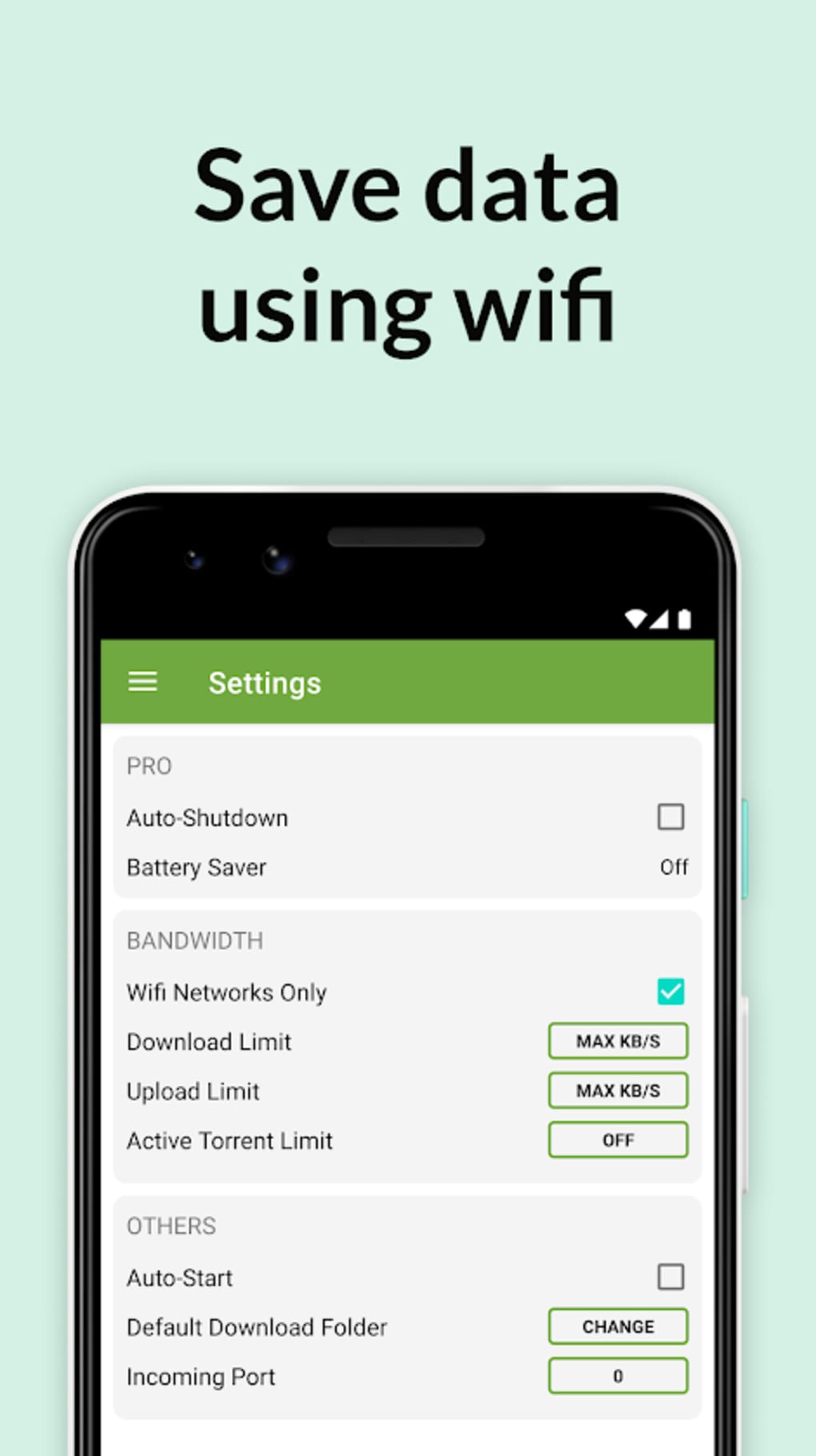
- Automatic Shutdown: Allows users to schedule the app to turn off after downloads complete, saving battery and ensuring no background activity.
- Scheduled Downloads: Users can set specific times for downloads to begin or pause, ideal for managing bandwidth during peak hours.
- RSS Feed Support: Enables automatic monitoring of content updates from subscribed feeds, helping users stay informed about new releases.
- UPnP Port Mapping: Facilitates direct connections to seeders by automatically configuring network settings, improving download speeds.
- Tracker Addition: Users can manually add trackers to increase the number of peers and seeds, enhancing download availability and speed.
- Bandwidth Prioritization: Allows pausing or prioritizing individual files within a torrent, enabling users to control data allocation dynamically.
- Cross-Platform Synchronization: Ensures that download progress and settings are shared between mobile, Windows, and Mac versions for consistent access.
These features collectively support efficient content acquisition, especially for users managing diverse media libraries. The ability to integrate playback and automate tasks makes the app suitable for both beginners and intermediate users. The revamped interface simplifies navigation, reducing the learning curve. While the app lacks advanced search functionality, its core features focus on reliability, performance, and ease of use. The software is designed to operate smoothly on mobile devices without compromising on essential torrenting capabilities.
User Interface, Workflow & Performance
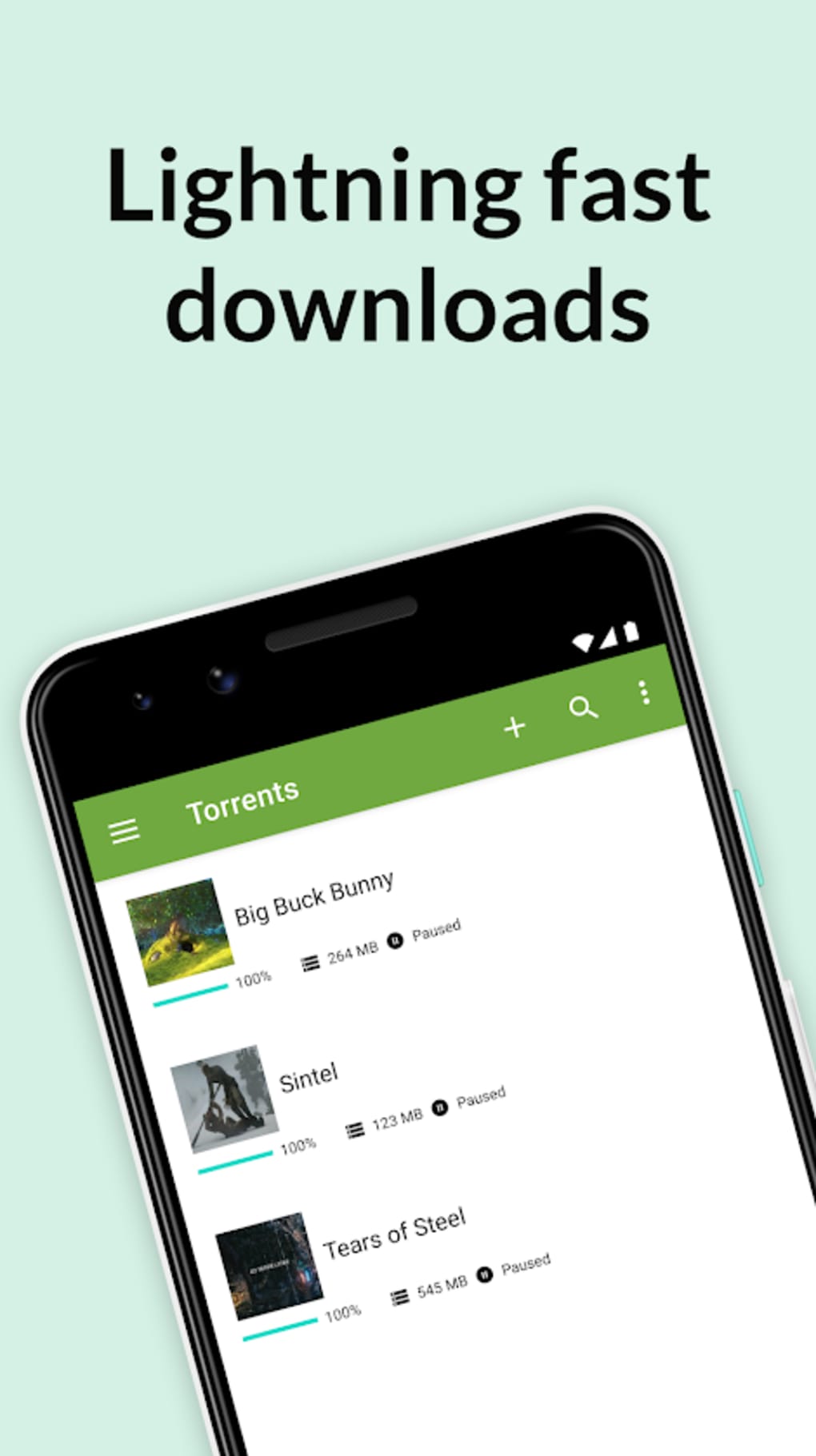
The user interface of µTorrent Torrent Downloader is designed with simplicity and clarity in mind, offering a clean layout that avoids clutter compared to browser-based alternatives. Navigation is intuitive, allowing users to access active downloads, completed files, and settings with minimal effort. The app’s workflow emphasizes efficiency, enabling users to initiate downloads with a single tap after locating a torrent file or magnet link. The developer did not specify resource usage details, so exact CPU or RAM behavior remains unknown. Performance observations are based on general software behavior patterns. The app appears optimized for mobile environments, with responsive controls and smooth transitions between screens. Stability is implied through the availability of scheduled tasks and background processing, though real-world reliability data was not provided. The app supports pause, resume, and prioritization functions, contributing to a flexible user experience. Users can manage multiple downloads without significant lag, suggesting effective task handling. The integration of media players enhances usability by allowing immediate playback upon completion. However, the absence of advanced analytics or real-time bandwidth monitoring limits deeper control for power users. Overall, the interface supports a smooth, user-friendly experience with minimal friction.
Compatibility & System Requirements
µTorrent Torrent Downloader is available for Android devices, though the exact OS version compatibility was not specified. The installation size is not provided, so users should expect variable storage requirements based on usage and downloaded content. The developer did not list specific hardware requirements such as RAM, processor type, or storage capacity. Compatibility information was partially provided. Users should verify their device’s Android version and available storage before installation. The app is designed to function on mobile platforms, with support for both smartphones and tablets. Cross-platform functionality with Windows and Mac versions is available, but details on synchronization mechanisms were not disclosed. The developer did not specify whether the app requires an internet connection for all features or if certain functions operate offline. General software behavior suggests that core torrent operations require connectivity, while some local features may work without it.
Pros and Cons
Pros
- Free to use with no upfront cost
- Lightweight and optimized for mobile devices
- Integrated media players for direct playback
- Supports batch downloads and scheduling
- Cross-platform synchronization between mobile, Windows, and Mac
- Revamped interface improves usability
- UPnP and tracker support for faster downloads
- Automatic shutdown and bandwidth control
Cons
- Limited search functionality within the app
- Requires third-party browser add-ons (optional but may affect performance)
- Exact system requirements not disclosed
- Performance and resource usage details were not specified
- Not the most secure option among torrent clients
- Download safety depends on user caution and external tools
FAQ Section
Is µTorrent Torrent Downloader safe to use?
The app is free from malware and functions securely as a BitTorrent client. However, it does not provide complete protection against malicious files. Users are advised to use additional security measures, such as a trusted antivirus or a VPN, to enhance safety.
Can I use µTorrent on multiple devices?
Yes, the software is available on Android, Windows, and Mac, with cross-platform synchronization allowing consistent download progress and settings across devices.
Does the app require an internet connection?
Core functions such as downloading and seeding require an active internet connection. Some local features may work offline, but connectivity is essential for full functionality.
Are there any hidden costs?
The base app is free to use. However, subscription plans are available, offering enhanced features like faster speeds, increased privacy, and additional tools.
Can I download torrents without technical knowledge?
Yes, the app is designed for non-technical users. The intuitive interface and rapid installer simplify setup and usage, making it accessible to beginners.
Final Thoughts
µTorrent Torrent Downloader stands out as a reliable, free, and lightweight BitTorrent client tailored for mobile users. Its clean interface, integrated media players, and support for batch processing and scheduling make it a practical choice for those seeking efficient file downloads on the go. While it lacks robust built-in search capabilities, its core strengths lie in speed, ease of use, and cross-platform functionality. The app is particularly beneficial for casual users and mobile enthusiasts who value simplicity and performance. Despite being free, it delivers essential features comparable to premium tools. Users should remain cautious about security, especially when downloading files from untrusted sources. For those in need of a fast, accessible, and user-friendly torrent client, µTorrent Torrent Downloader is a strong contender. Download µTorrent Torrent Downloader APK now and start your next download today.
Guides & Tutorials for µTorrent Torrent Downloader APK
How to install µTorrent Torrent Downloader APK
- Click the Preview / Download button above.
- Once redirected, accept the terms and click Install.
- Wait for the µTorrent Torrent Downloader APK download to finish on your device.
How to use µTorrent Torrent Downloader APK
This software is primarily used for its core features described above. Open the app after installation to explore its capabilities.
User Reviews for µTorrent Torrent Downloader APK 0
No reviews found





